Text to scientific figure
Make the signaling pathway clear.
From ligand binding to a kinase cascade and nuclear transcription, turn your description into a figure with clear compartments, arrows and labels.
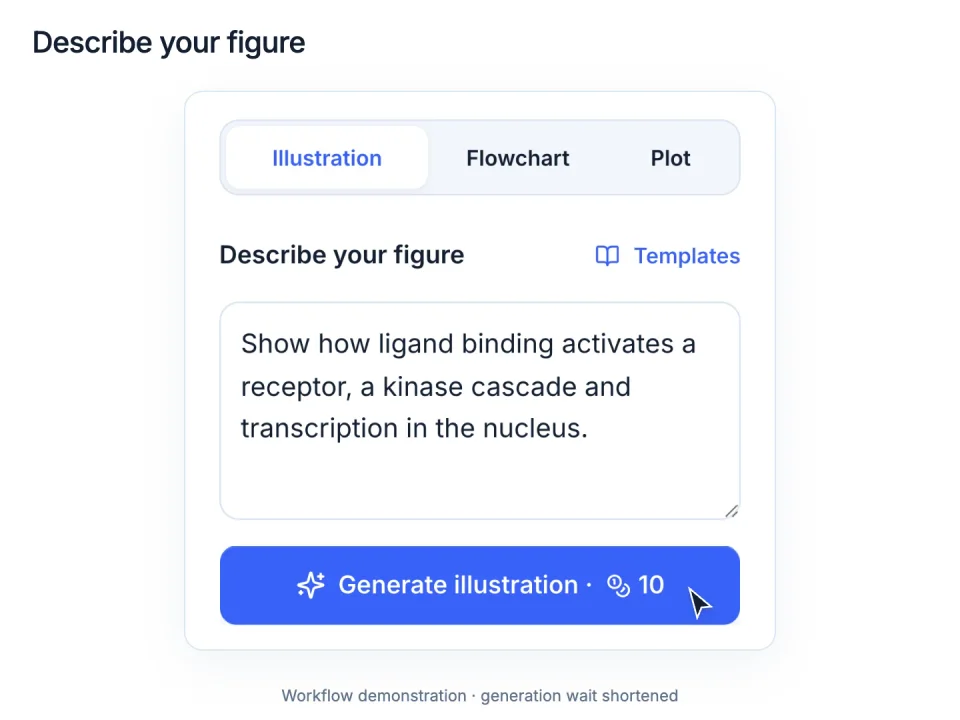
Turn research ideas into scientific illustrations. Refine with text instructions.
Explore scientific figure examples for the work you do.
Text to scientific figure
From ligand binding to a kinase cascade and nuclear transcription, turn your description into a figure with clear compartments, arrows and labels.
Sketch to scientific figure
Start with your own composition. Turn rough dishes, pipettes and imaging steps into a consistent illustration, with the sequence and labels intact.
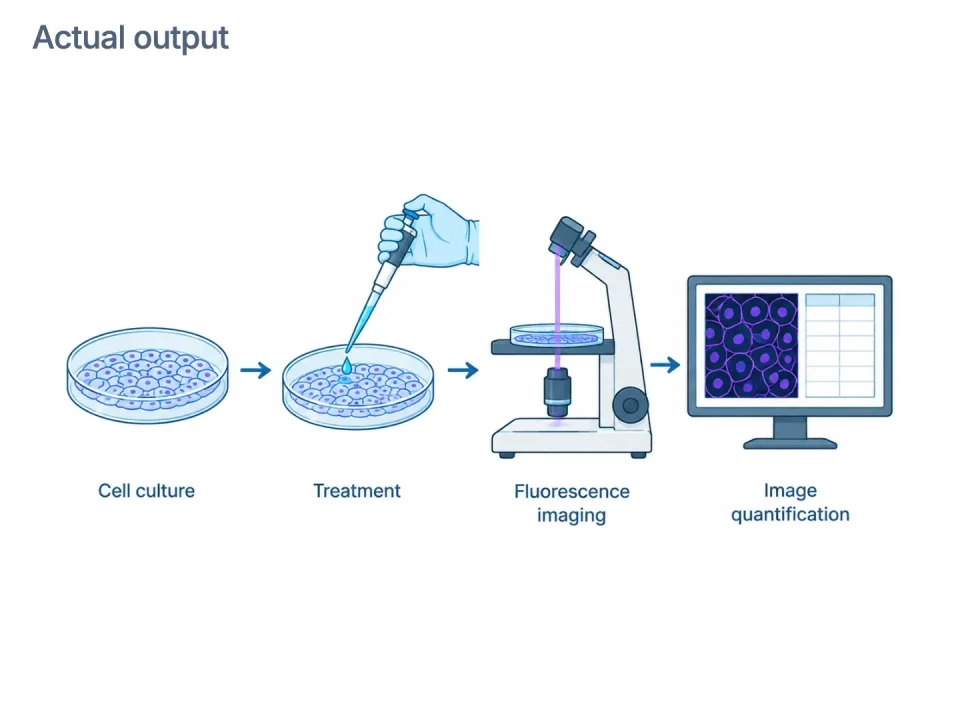
Biomedical researchers
Scientific illustration · AI-generated image · Refine with text
Laboratory researchers
Editable flowchart · Editable shapes, labels and connections
Researchers & students
More room for your research. Subscribe for monthly credits, or top up when you need them.
For individual research projects.
$120 billed annually. Renews at the same price.
More models for regular figure creation.
$240 billed annually. Renews at the same price.
For a demanding research workflow.
$480 billed annually. Renews at the same price.
Illustrative workflow · Wetland water purification
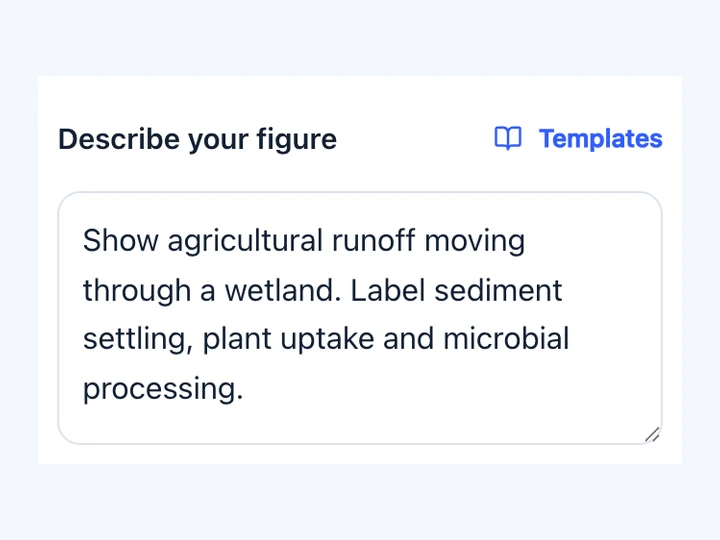
Name the key objects, their relationships and the labels your reader needs.
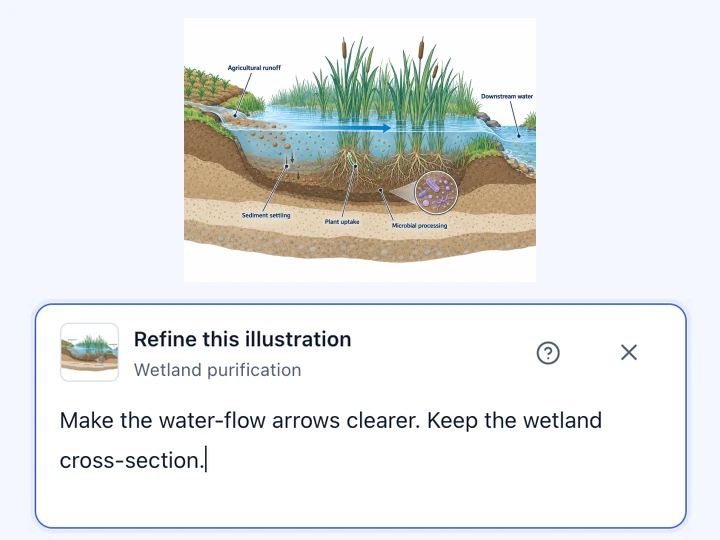
Check the scientific details, then describe a change to create a new version.
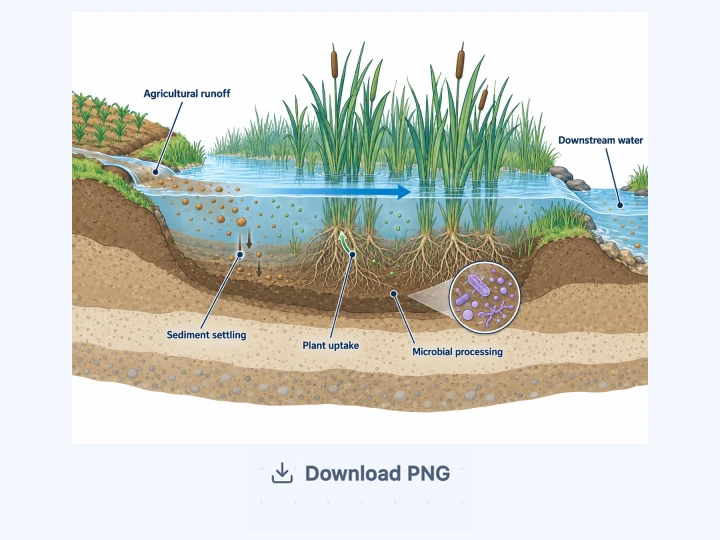
Save your illustration as a PNG for your next paper, presentation or discussion.
Create scientific illustrations of biological systems, mechanisms and visual comparisons from a research description. You can also build flowcharts and data plots in the canvas.
Describe the objects and relationships you need, then review the result against your sources. The tool does not validate experiments or replace scientific review.
An account is required to generate or edit a figure.
Eligible new accounts receive 20 welcome credits, valid for 30 days after activation and any required email verification. Availability and account eligibility apply.
Starting 24 hours after activation, an eligible signed-in visit can grant 10 credits for the current 24-hour cycle, subject to availability. These credits expire at cycle end; missed cycles are not backfilled.
Yes. Select a result in the studio and describe what to change. The edit creates a new version so you can keep the original.
Flowcharts and data plots have editable canvas elements. AI-generated images remain raster images; they are not automatically split into editable shapes or text.
Download generated illustrations as PNG. All signed-in users can export canvas flowcharts and data plots as SVG.
Pro, Ultimate and Max also include image layers and editable PPTX export. Canvas shapes and text stay editable; an AI-generated image stays an image inside the file.
The cost depends on the model and resolution and is shown before you generate or edit. For example, GPT Image 2 uses 10, 15 or 25 credits at 1K, 2K or 4K.
Each generation or edit counts as one operation, not a guaranteed final figure. Higher resolutions require a subscription or usable Credit Pack balance, subject to the selected model’s access rules.
Choose a subscription for regular use, with credits that refresh monthly even when billed yearly. Choose a Credit Pack for a one-time purchase: pack credits are valid for 180 days, with five supported models available without a subscription while the balance is usable.
Unused subscription credits expire each month and missed months are not backfilled. You can cancel renewal anytime in Billing. Canvas image layers and editable PPTX require a paid subscription.
Failed or timed-out generations release their reserved credits. A completed generation uses credits even if you later decide to revise the result.
Yes. You can use the studio to prepare figures for a research paper. Review every label, relationship and scientific detail against your sources.
Before submission, check the image dimensions and your target journal’s requirements, including any rules on AI-generated figures.
Describe the study context, intervention, main result and takeaway. Ask for a clear reading order and concise labels; add a reference image if useful.
Review the graphical abstract against your paper before using it, and remove any unsupported claims.